Change it once
Update items, prices and photos from your phone or laptop. Preview your changes before saving; connected boards and the phone menu share the same source.
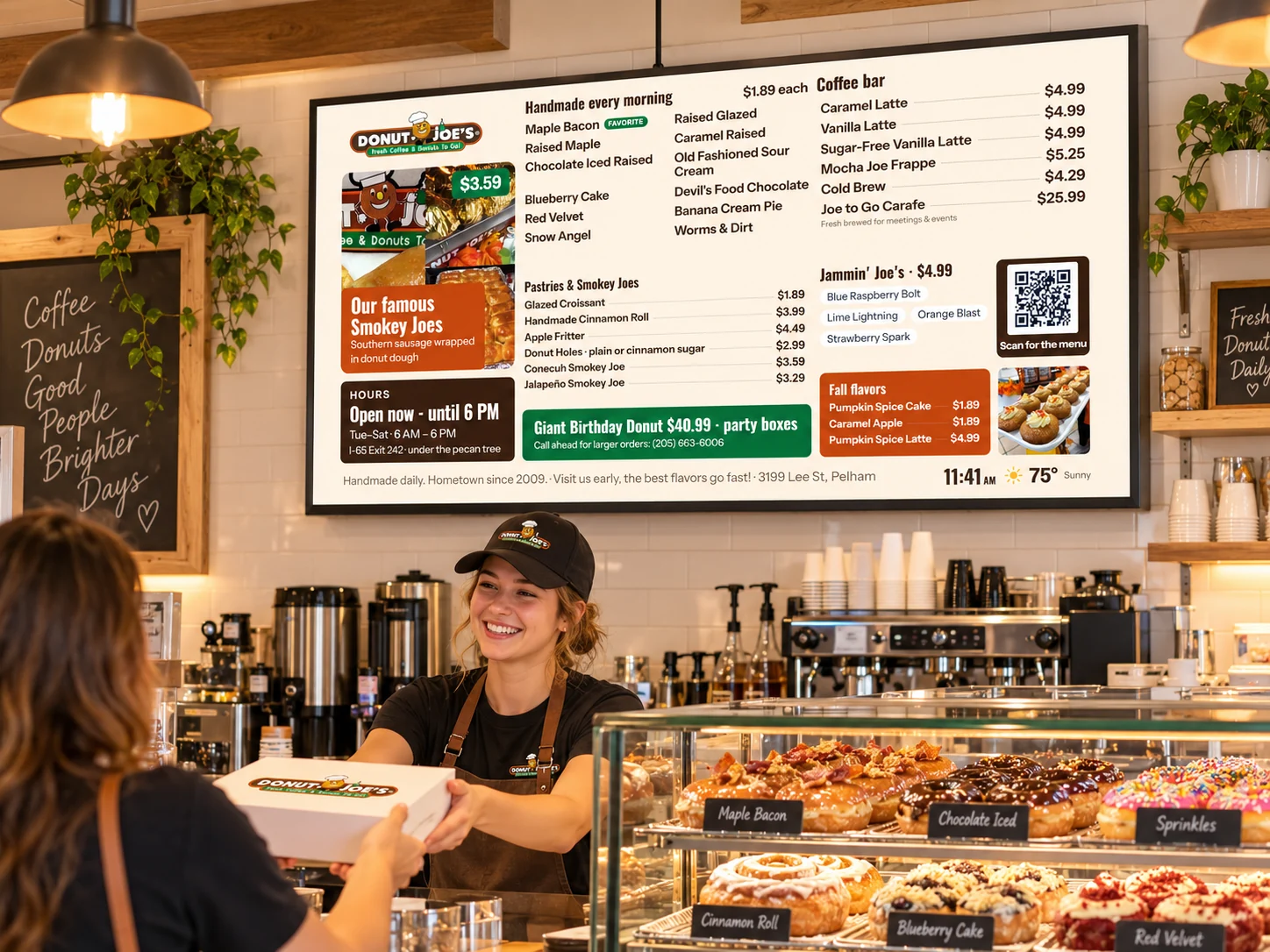
Make menu changes from your phone or computer, schedule specials, feature favorites, and let customers take your menu with them. The same information powers your digital boards and QR phone menu.
WayTuGo sample menus · Shown in illustrative restaurant settings

These images show WayTuGo sample menu designs in illustrative restaurant settings—not photographs of completed customer installations. Explore screen styles for your service counter, countertop or entrance.
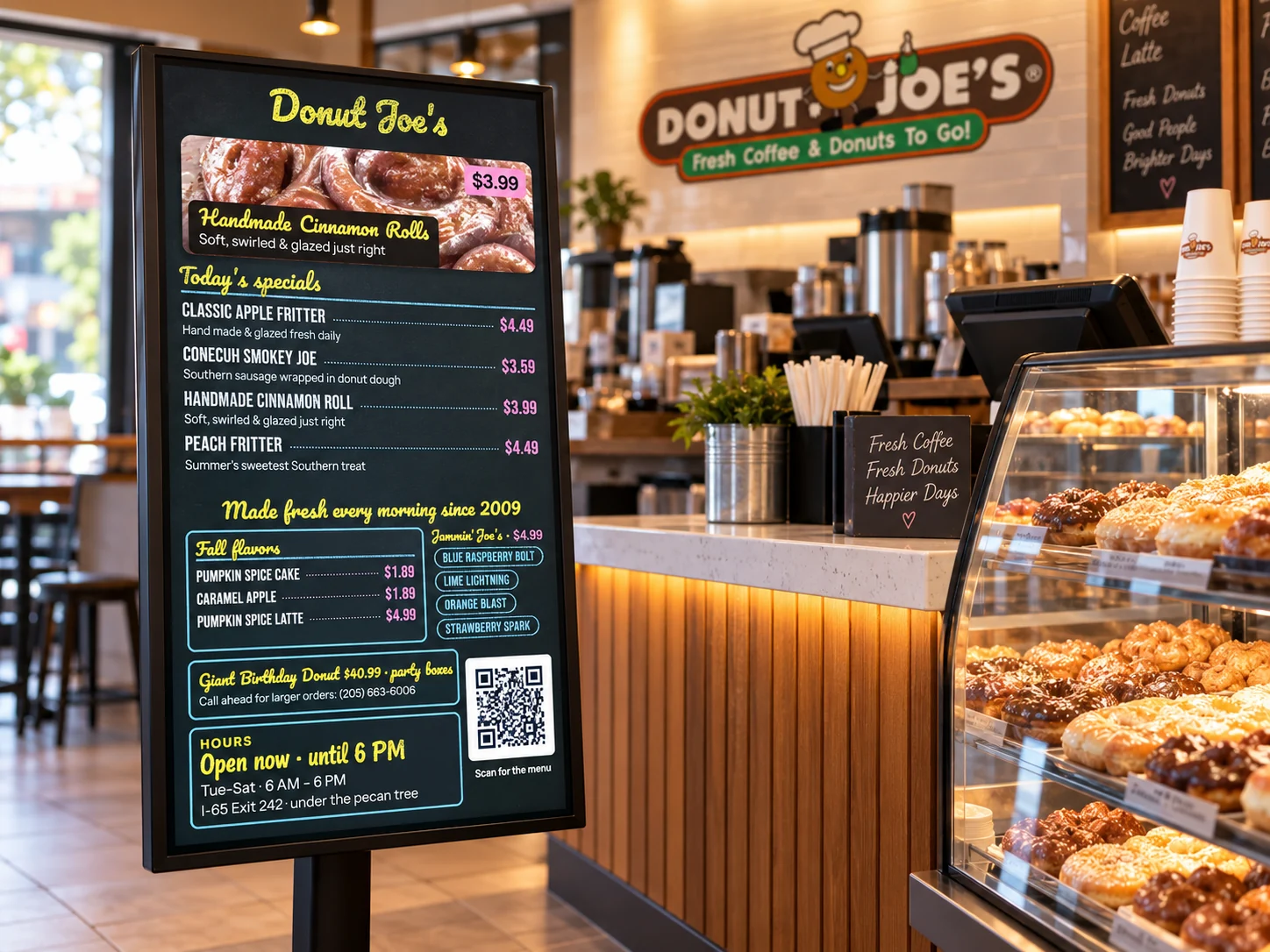
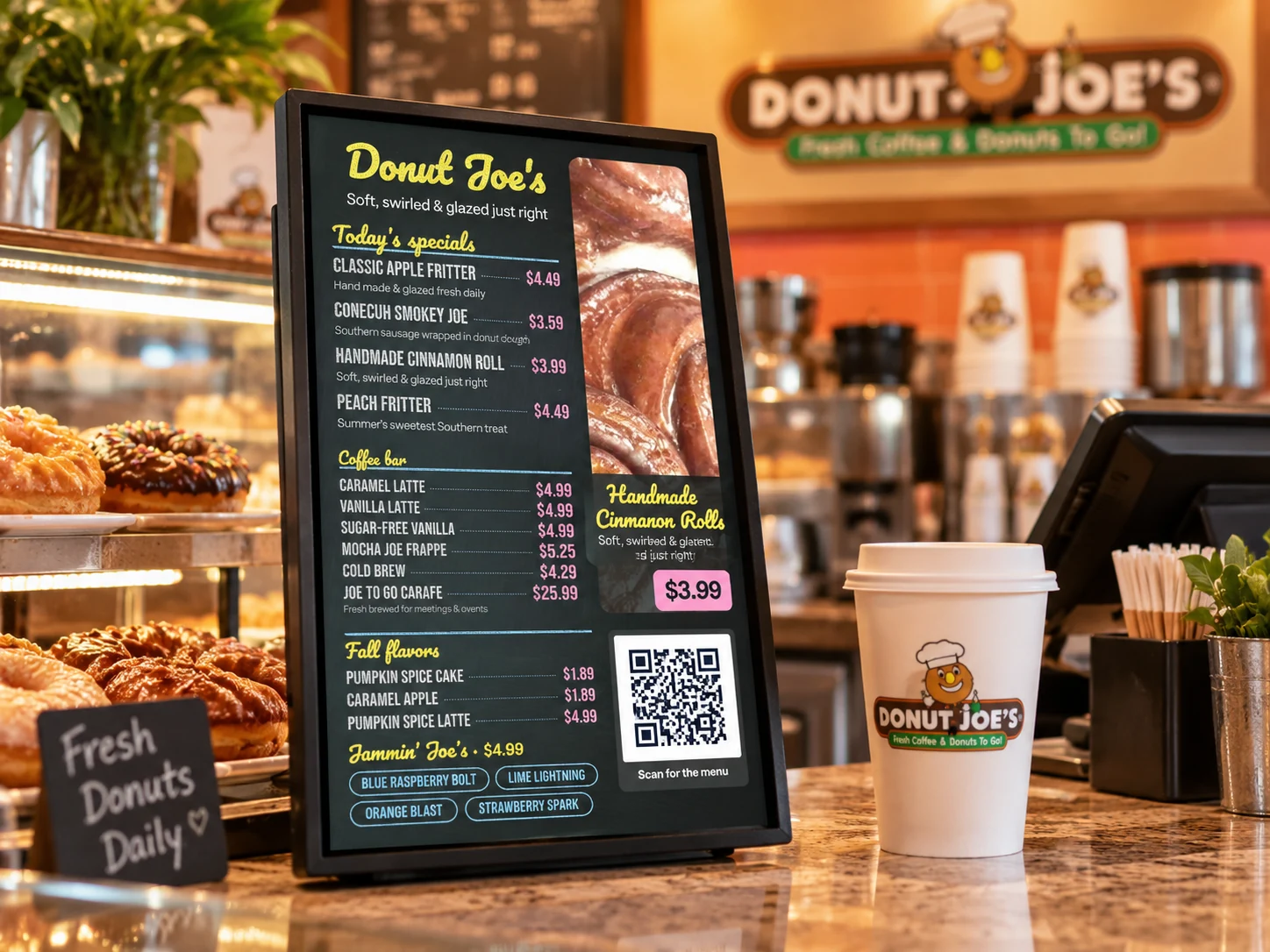
Illustrative restaurant scenes using WayTuGo sample layouts. The generated settings and on-screen details are visual examples, not documentary installation photographs or live QR-code demonstrations. Your board uses your own products, pricing, photos and brand.
Control the details that change throughout the day, without remaking a sign or updating every screen individually.
Update items, prices and photos from your phone or laptop. Preview your changes before saving; connected boards and the phone menu share the same source.
Mark an item sold out for the day, so customers see its status on the board and phone menu. Daily sold-out flags clear automatically.
Set start and end dates and times for daily specials, happy hours or seasonal items. The right items appear when scheduled.
Customers scan the board's QR code to open your current menu on their phone—no app required. Menu links can lead to additional information or destinations.
Choose a bright, clean layout or a chalkboard presentation. Use photos, featured items, favorites and promotions that fit your business.
Choose customer-managed content or fully managed service. WayTuGo can configure your board, assist with content and support your display after setup.
Each menu board can display a QR code connecting visitors to a mobile version of your menu. The menu can include item photos, more-information links and destinations such as a business address or website.
Display multiple formats—like a wide counter board and a portrait display—while managing a single set of menu information.
For compatible touchscreen setups, customers can also tap configured “More info” links directly on the display.
Ask to see a live example ↗
Share your menu, branding, preferred style and where customers will see your screens.
We'll prepare a private sample-board link tailored to your needs, so you can view the design before purchasing.
Choose a compatible display and the setup that suits your location. Manage changes yourself or have our team help.
Complete display installations are currently focused on Alabama. Ask us about supplying a configured controller for a compatible customer-owned display elsewhere.
Tell us what you're imagining. We can show you what a connected digital menu could look like for your business.
Request a personalized demo ↗